GPT2Office on the web
Write a plain-language request, review the result, and keep every generated file in your private history.
Start in the browserGPT2Office
Describe the document you need. GPT2Office turns it into a polished PDF and an editable Word file, from a browser or directly inside ChatGPT.
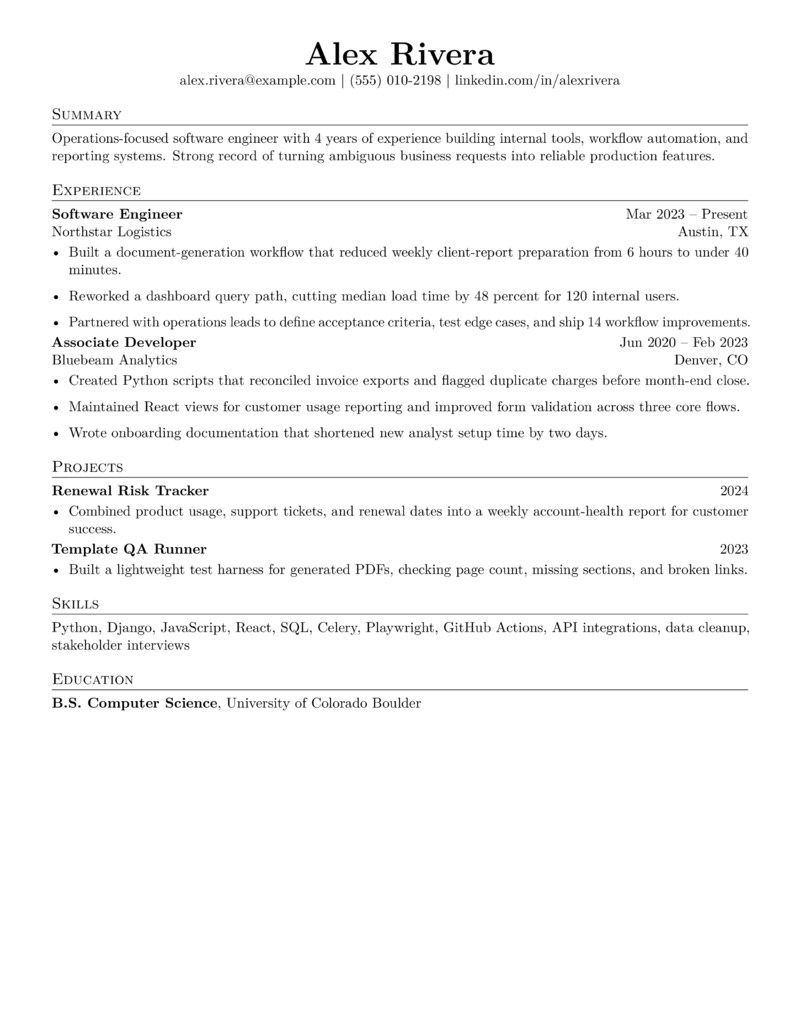
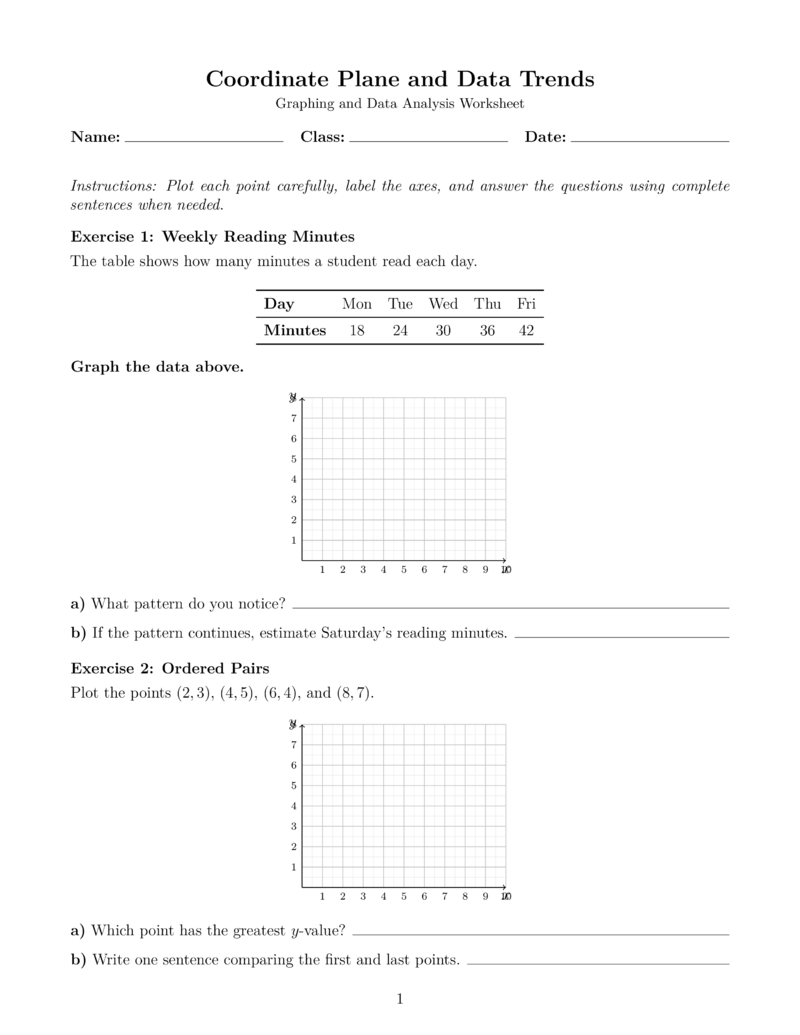

Two ways to create
Write a plain-language request, review the result, and keep every generated file in your private history.
Start in the browserKeep the conversation in ChatGPT while GPT2Office handles document formatting and export.
Open the ChatGPT toolBuilt for finished work
GPT2Office produces files you can submit, share, print, or edit after generation.
Common questions
Yes. GPT2Office formats the document and provides a PDF, plus an editable Word file when DOCX export is available.
No. Use a normal prompt on the GPT2Office website. In ChatGPT, the GPT2Office integration handles document markup for you.
Yes. Signed-in users can find recent generated documents in their private document history.
Common uses include reports, resumes, worksheets, planning packets, letters, forms, study materials, and structured handouts.
Start with ten free generations. No credit card is required.
Start creating